
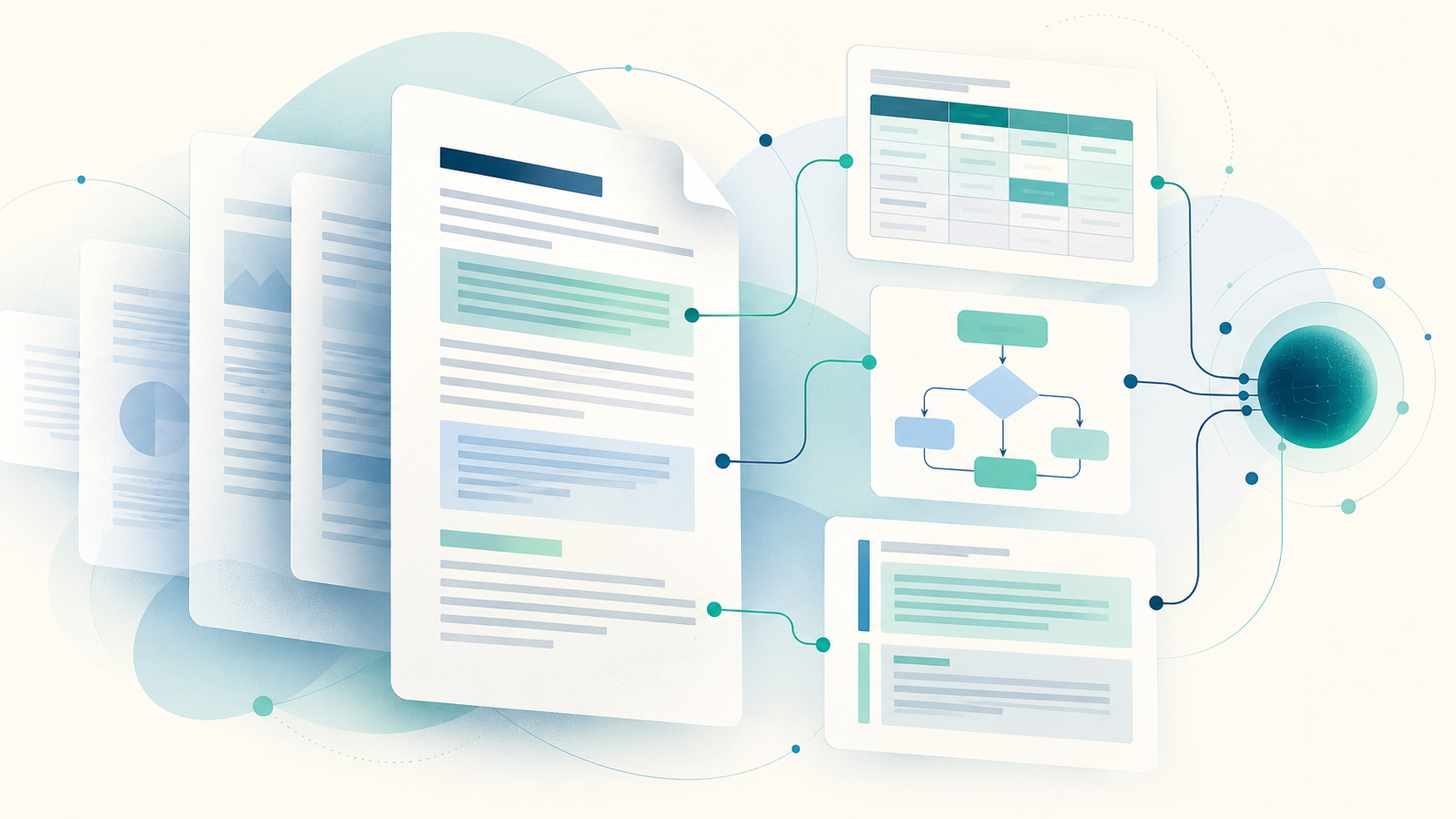
A PDF can look perfectly clear to a person and still be difficult for an AI search system to interpret. Columns, tables, diagrams and footnotes carry meaning through their position on the page. When software flattens a document into plain text, it can lose those relationships.
A new research preprint by Xingyu Lin and Dehui Du, submitted on 27 September 2026, examines this problem in clinical practice guidelines. The authors propose splitting page images into structural elements, such as sections, table rows, flowchart paths and graded recommendations, before searching them. Each result keeps its context within the document.
What the researchers tested
The paper reports an evaluation involving 26 guidelines from nine sources, covering 3,619 pages and 199 evidence queries. In the authors' experiments, their structure-aware approach improved element-level retrieval ranking against text extracted with OCR, while keeping similar page-level recall. These results come from a preprint submitted for a future conference; they are not a general guarantee for every PDF or every AI assistant.
The practical point is easier to see with a table. A search result saying “recommended” is not useful if it loses the row heading, patient group or footnote that qualifies the recommendation. A flowchart answer also depends on which branch was followed. Preserving those connections matters when people check the answer against the original page.
What this means for everyday document work
If you prepare PDFs for colleagues, students or customers, consider these habits before feeding a document into a search or AI system:
- Keep the original PDF so someone can verify the visual page and context.
- Give tables clear headings and review their reading order when exporting from another format.
- Check that a scan has readable text and that extracted text has not mixed columns or dropped labels.
- Link a quoted answer back to the source page, especially for legal, medical or financial material.
FileStation does not claim to provide the retrieval system studied in this paper. Its relevant tools help with the preparation work: use Organize PDF to inspect and reorder pages, Extract PDF pages to share only the relevant section when appropriate, or PDF to Word to obtain editable text from a PDF that already contains selectable text. PDF to Word extracts text rather than preserving a complex page layout, so compare the result with the original.
The bigger trend
AI document tools are moving beyond “find a word on a page” towards answers that retain the structure of a document. This paper is one research example, not a product announcement. For teams that rely on PDFs, the immediate improvement is still a human one: keep pages organized, inspect conversions, and verify important statements against their source.