
Document automation becomes useful when it removes a repetitive handoff without hiding what happened. Google’s latest Workspace Studio update adds four actions that can do exactly that—but a reliable flow still needs a clear review point.
What Google released
On 2 September 2026, Google announced four new Workspace Studio steps: copy a Drive file or folder, move a Drive file or folder, reply inside an existing Gmail thread, and reply to a Google Chat message or thread. Drive and Chat features began rolling out on 8 September, followed by Gmail features on 14 September.
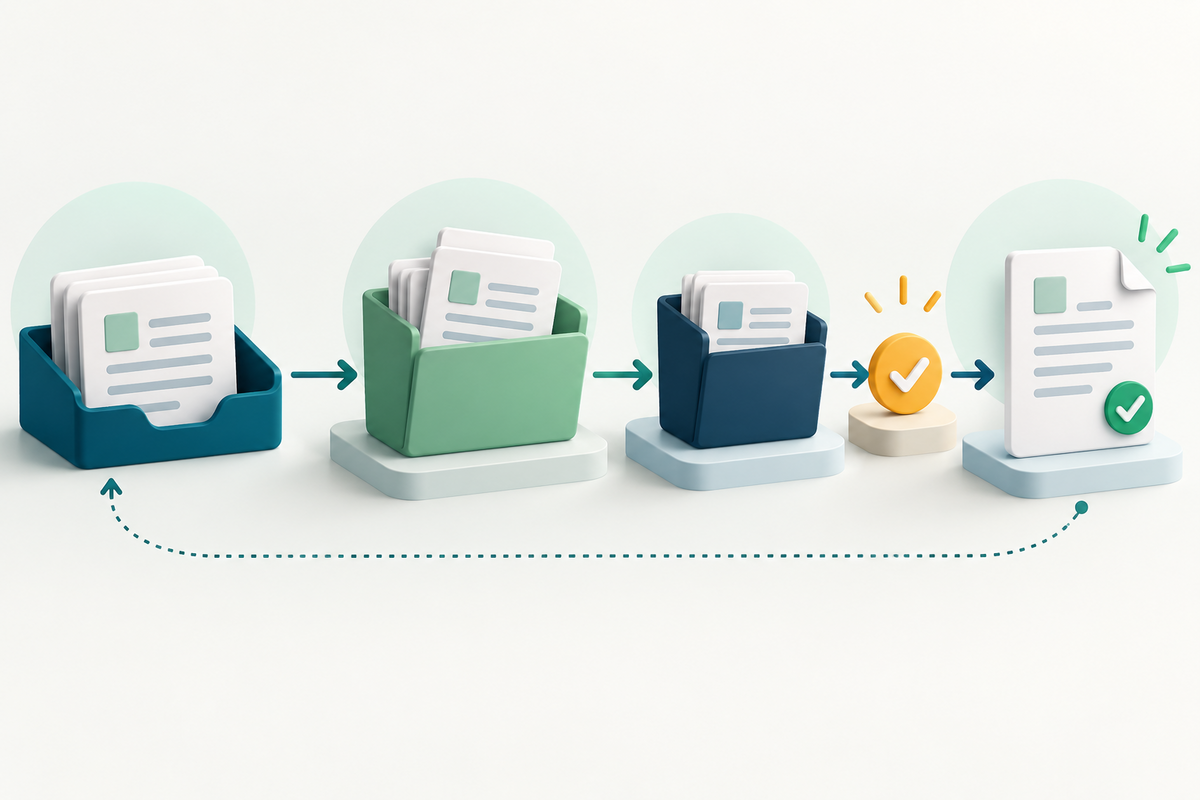
The practical change is that a flow can now carry a document further through its lifecycle. For example, an approved project in a tracker could trigger a move from a working folder to an archive. A new client workflow could copy a standard folder into a dedicated location and rename it with variables. A later step could send a formatted confirmation in the existing conversation.
One workflow worth testing
Consider a repeatable document pack for a new project:
1. Start with an approved trigger. Use a deliberate status change or a filtered form response rather than every new email. A narrow trigger reduces accidental runs. 2. Copy the template folder. Keep the master untouched, give the copy a meaningful project name and place it in the correct destination. 3. Prepare the deliverable. Add the project-specific files and check names, dates, recipients and page order. Automation can create the workspace; it does not prove the contents are correct. 4. Add a review checkpoint. Before anything is sent outside the team, require a person to open the final file and approve it. For a PDF, inspect the exact exported copy rather than only the editable source. 5. Move the completed folder. Archive it only after the deliverable and its supporting records are confirmed. Keep a simple record of the run so a later reviewer can see what moved and why. 6. Reply in context. Send a short status update in the original Gmail or Chat thread, including a link only for people who should have access.
Limits that matter
Google says administrators can disable individual steps and can require approval when an action may share data outside the organization. Its help page also says a copy-folder action supports up to 50 items and three levels of nesting. Workspace Studio currently allows up to 25 created flows and 20 steps per flow; daily run limits also apply and can stop active flows until the limit resets. These limits can change.
A copy is not a backup policy, and a moved file is not automatically a properly retained record. Copies can also create competing versions. Test with non-sensitive material, review permissions at the destination, and involve your administrator or records owner before automating regulated documents.
Where FileStation fits
FileStation is not connected to Workspace Studio and cannot monitor or move your Drive files. It can support the manual PDF checkpoint near the end: use Organize PDF to inspect page order and rotation, then follow the guide to prepare an office PDF for email or upload. Download and reopen the final result before the workflow sends or archives anything.
The best automation is not the one with the most steps. It is the one that makes the next responsible action obvious, preserves a review point and leaves a result another person can understand.
Primary sources: Google Workspace Updates, 2 September 2026, the Workspace Studio steps guide and current Workspace Studio limits.