
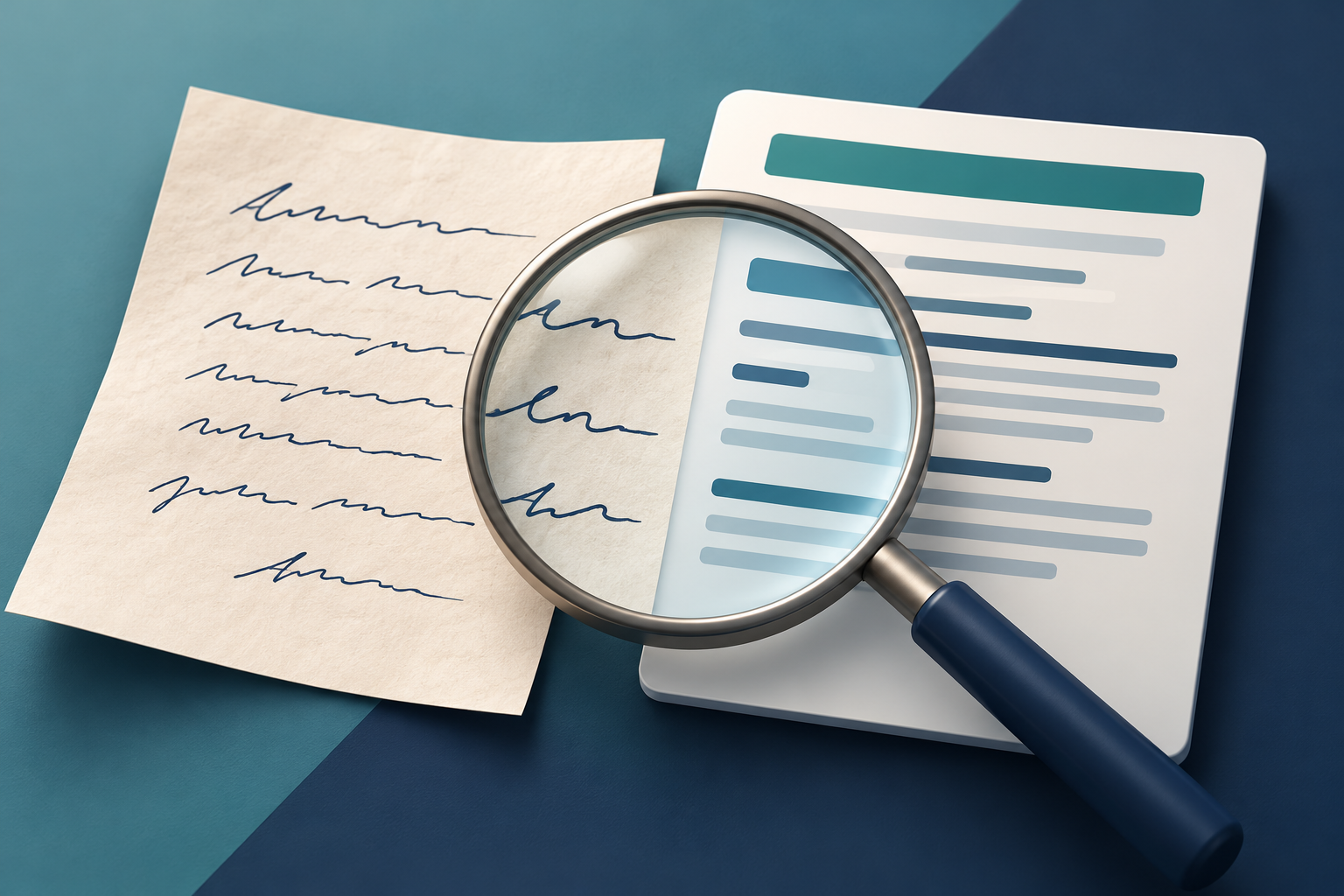
A handwritten order number can be recognised correctly and still land in a manual review queue. Conversely, an impressive confidence score does not make an incorrect character safe to accept. A new UiPath update highlights an important distinction for teams processing forms, invoices and scanned PDFs: the text and the score describing it are different outputs.
What changed on 14 October
UiPath's 14 October 2026 Document OCR public endpoint release adjusts handwriting confidence scores. According to the release notes, the model and digitised output remain unchanged; the update affects the score values.
This follows a 23 September change addressing handwriting scores that had been high regardless of recognition quality. UiPath warned then that workflows using high confidence thresholds could send more handwritten documents to validation and recommended recalibrating those thresholds.
The practical implication is worth checking: a changed review queue does not, by itself, demonstrate that recognition has become worse. First establish whether the recognised characters changed, the scores changed, or your routing rules changed.
Know which confidence you are looking at
UiPath's Classic Validation Station documentation distinguishes OCR confidence, supplied by the OCR engine, from extraction confidence, supplied by the extractor. It describes confidence as guidance.
For example, reading a handwritten value and assigning it to the correct invoice field are separate things to verify. Do not treat a reassuring score as a substitute for checking the source or confirming the business meaning of the result.
Before changing a review threshold
The following is a practical testing approach, not a UiPath-prescribed threshold or a guarantee of accuracy.
1. Keep a representative reference set. Choose documents you are authorised to test: clear handwriting, faint scans, mixed printed and handwritten entries, and awkward single-character fields. Keep the original files unchanged. 2. Establish the correct answers. Have a reviewer transcribe the important fields from the source. For ambiguous writing, ask the document owner rather than guessing. Record which cases genuinely cannot be resolved. 3. Compare errors and routing separately. For each test case, record the recognised value, its confidence, whether it was sent to review and whether it matched the checked answer. Compare with retained earlier results where available. An average score alone hides the mistakes that matter. 4. Match controls to the consequence. A wrong purchase-order identifier may need different handling from an optional comment. Check expected formats, totals and references where appropriate. Do not lower a threshold simply to clear a backlog. 5. Pilot and watch accepted results too. Review a sample of automatically accepted documents as well as the rejected queue. Keep the previous configuration recoverable and record who approved any rule change.
Consider a hypothetical identifier containing a handwritten “B” that is read as “8”. A shorter review queue would not be an improvement if that error now passed unnoticed. The useful measure is the quality of accepted data alongside the effort needed to check it.
What this means for your PDF workflow
This announcement concerns UiPath's public OCR endpoint, not every OCR product or a new FileStation integration. No universal confidence threshold makes all handwriting reliable. Follow your organisation's approved document-handling process, especially before sending confidential scans to an external service.
FileStation can help prepare an authorised working copy: use Organize PDF to arrange relevant pages and PDF Reader to inspect the visible source. These tools do not calibrate UiPath scores or certify extracted data. Keep that validation in your approved OCR workflow—and judge the result by the document, not just the percentage.