
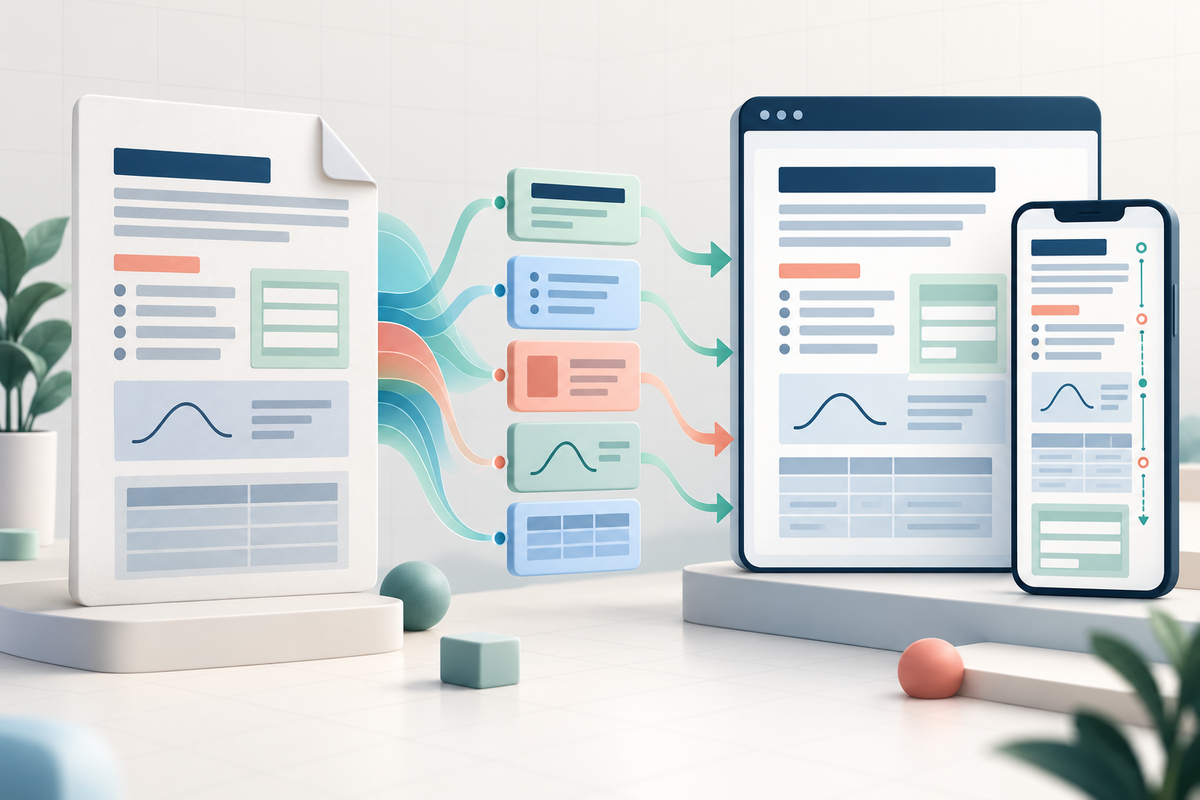
Turning a PDF into a web page is not simply a matter of copying the words. A page also carries meaning through headings, lists, labels, form controls, reading order, page breaks and mathematical notation. A new industry specification gives developers a more precise route for preserving that structure.
What changed
On 27 September 2026, the PDF Association published version 1.2 of *Deriving HTML from PDF*. The document is aimed at developers converting well-tagged PDF files into well-formed HTML for websites and other reuse.
The new version moves beyond visually reconstructing a page. It aligns the conversion model with PDF 2.0 and the Well-Tagged PDF specification, and expands guidance for headings, lists, links, notes, forms, labels and interactive elements. It also covers page labels and breaks, document language and title metadata, HTML namespaces, ARIA roles and MathML-based formula handling.
For readers, the practical goal is content that can adapt to a smaller screen or another interface without losing its relationships. A table should still have headers. A form field should still have a label. A formula should not become an unexplained image. A page number should remain useful for navigation rather than appearing as stray text.
Five checks before reusing a PDF online
1. Inspect the source structure. A conversion process has much more to work with when the PDF already contains meaningful tags, document language, headings and a sensible reading order. A page that only looks structured may not be structured internally. 2. Compare meaning, not just appearance. Check whether lists, tables, footnotes, links and form labels still express the same relationships in HTML. A close visual match can still produce confusing screen-reader output. 3. Test responsive reading. Review the result on narrow and wide screens, zoom the page and navigate it with a keyboard. Reflow should not hide content, scramble focus or separate a label from its control. 4. Give mathematics a separate review. Formula conversion is a specialist problem. Confirm that symbols, superscripts, fractions and spoken meaning survive, especially in educational or technical material. 5. Keep the PDF as a reference. Preserve the original file, record the conversion method and link the web version to the authoritative document when appropriate. This makes later corrections and page-level verification easier.
The important limit
The PDF Association explicitly warns that derived HTML can carry semantic and ARIA information without automatically matching the accessibility characteristics of the source PDF. The specification is technical guidance for implementers, not a guarantee that any converter will create an accessible result. Poor tags, scanned text, custom role mappings and complex layouts still require human review and assistive-technology testing.
FileStation does not currently convert PDF into HTML or certify accessibility. It can support preparation and inspection around that workflow: use PDF to Word when you need editable text from a PDF that already has selectable text, and review the guide to OCR, reading order and accessible documents before treating a scan as reusable content. Compare every extracted result with the original.
The wider lesson is useful even without a new converter: future-ready documents need structure as well as pixels. Preserve meaning at authoring time, then verify what survives each format change.
Primary source: PDF Association, “Deriving PDF to HTML, version 1.2” (27 September 2026).