
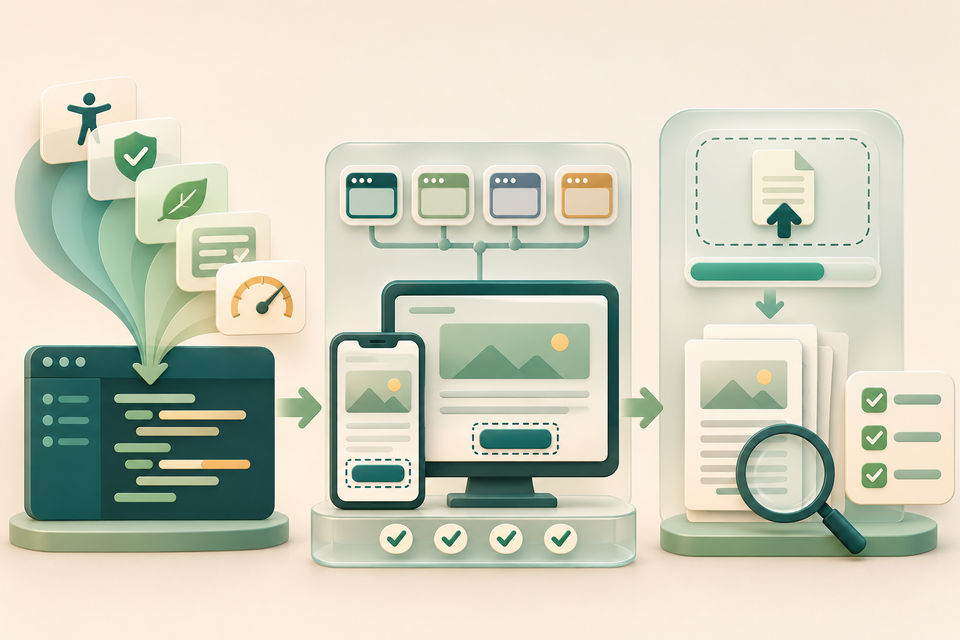
An AI coding agent can produce a polished file picker quickly. It can also miss a keyboard trap, a premature error message or a download that fails only on a narrow phone. A new cross-browser guidance project offers developers a better starting point—but its own advice is to close the loop with real browser testing.
What became stable this week
Google Chrome's 13 November recap confirms that Modern Web Guidance is now stable at version 1.0. The project supplies task-specific skills to coding agents instead of relying only on what a model remembers about the web platform. Its catalogue covers areas including accessibility, security, privacy, forms, performance and user experience.
Chrome says the guidance was reviewed by domain experts and developed with browser teams from Firefox and Edge. Guides include Baseline compatibility information and fallbacks, while a public evaluation suite shows how tested agents perform on the project's checks. The official guide catalogue includes form guidance, responsive layouts, keyboard-reachable interactions, required-field feedback and privacy-by-design practices.
That makes the release relevant to teams building document portals, PDF tools and student projects. It does not turn a coding agent into a browser, an accessibility specialist or a security auditor.
A focused review for a PDF workflow
1. Work in a branch and name the flow. Ask the agent to review one bounded journey: choose a PDF, see validation, start processing, recover from failure and download the result. Give it the browsers and devices you actually support. Do not request a site-wide rewrite just to adopt newer patterns.
2. Test the upload control without a mouse. Confirm the control has an understandable label, visible focus and a usable activation target. Select a valid PDF, the wrong file type and a file that exceeds the product's real limit. Error messages should identify the affected file and a possible recovery; they should not appear before the user has interacted.
3. Exercise progress and failure states. Interrupt the network or processing step where your test environment allows it. Check whether the interface distinguishes waiting, completed, cancelled and failed work. Retrying should not create duplicate jobs or silently lose the selected file. Use synthetic documents rather than confidential customer material.
4. Inspect the output, not only the interface. Verify the downloaded filename, file type and size. Reopen the PDF and compare page count, orientation, visible content and selectable text with the expected result. Test at high zoom and a narrow viewport. A successful download event does not prove that the document is usable.
5. Repeat in real target browsers. Compatibility data and fallbacks help an agent choose a reasonable implementation; they do not execute your workflow. Run the same checks in representative versions of the browsers you support, including assistive technology where the task is consequential. Record the exact build and test files so failures can be reproduced.
Important limits
Modern Web Guidance is developer guidance, not a certification. Its public evaluations measure the project's checks, not the correctness of your application. A security guide is not a penetration test, an accessibility pattern cannot replace testing with disabled users, and a cross-browser recommendation cannot guarantee identical behaviour in every browser or embedded web view. Project-specific requirements, server behaviour and third-party libraries still need separate review.
For an authorised sample, FileStation's Developer Tools can create a SHA-256 checksum to help identify the exact test file, and PDF Reader can support a visual page check after download. FileStation does not review source code, certify accessibility or test another site's security.
The practical lesson is to treat AI guidance as a better design input. The release decision should still depend on reproducible tests of the real upload, processing and PDF output that users will encounter.