
Moving a presentation into a cloud editor can simplify collaboration, but it also raises two separate questions: who can decrypt the working file, and what happens to the copy you eventually share? A new Google Workspace beta makes that distinction especially important for teams handling sensitive presentations.
What Google announced
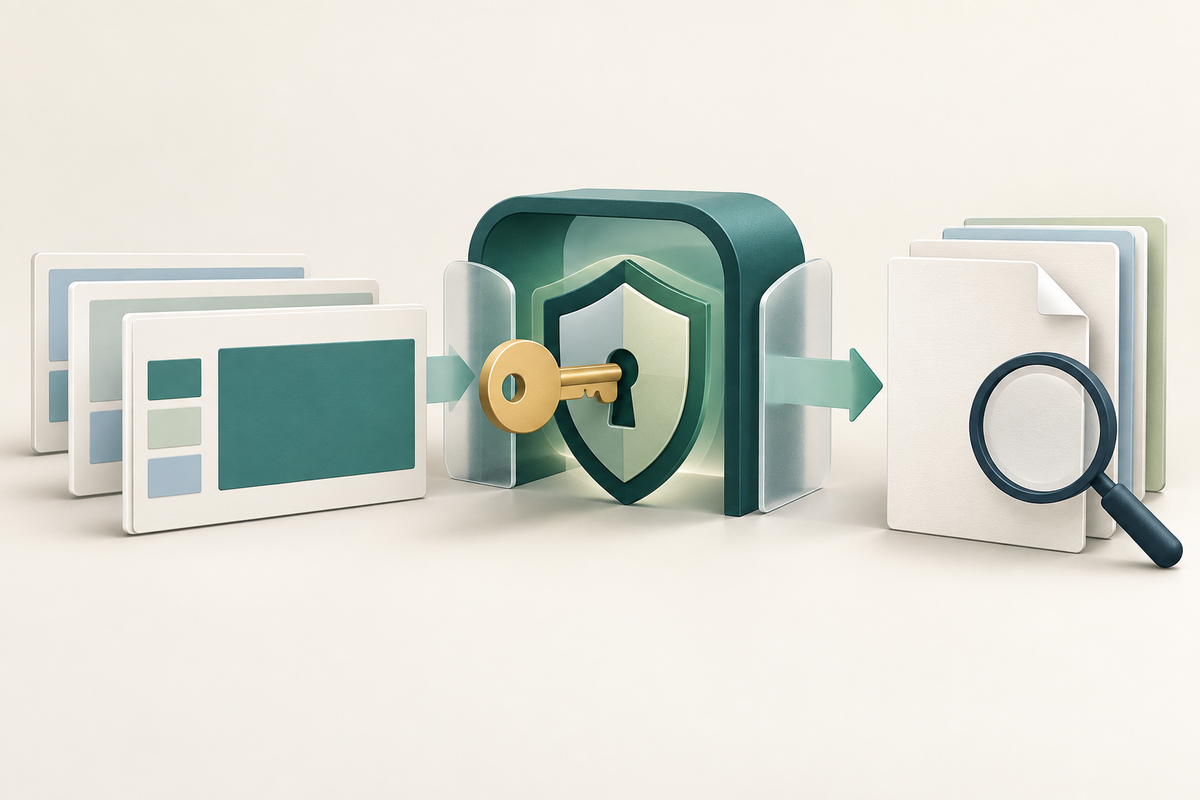
On 24 September 2026, Google announced that eligible organizations can import Microsoft PowerPoint files and convert them into client-side encrypted Google Slides. Google says the file is encrypted on the client before it is imported into Workspace and converted into an encrypted Slides file.
This is not a general consumer feature. It is part of the CSE Office Interop beta, organizations must apply, and accepted organizations receive access for their domain. Google lists Enterprise Plus, Education Standard and Plus, Frontline Plus, Assured Controls and Assured Controls Plus among the eligible editions.
Client-side encryption also needs administration. Google’s CSE overview explains that an organization controls access through its identity provider and external encryption-key service. That can help an organization meet a stricter data-control requirement, but it adds setup, governance and recovery responsibilities.
A useful pre-share checklist
1. Confirm access before designing the workflow. Check the edition, beta acceptance and administrator setup for the actual Workspace domain. A public announcement is not proof that a particular account is enabled. 2. Keep the original PowerPoint file. Conversion gives you another working format; it should not erase your source or your version history. Use a clear name for the imported test copy. 3. Test the slides your deck depends on. Review fonts, charts, media, transitions and complex layouts. Google describes the conversion as high fidelity, but that is not a guarantee that every presentation will look or behave identically. 4. Review the encryption boundary. Identify who manages keys, what happens when access is revoked, and how recovery is handled. Ask your administrator which approved sharing and export routes preserve the protection your organization requires. 5. Inspect the actual deliverable. If the recipient needs a PDF, export the PDF and reopen that exact file. Check page size, order, orientation, smallest text, links and any content near the edges. Do not treat an accurate Slides preview as proof that the exported document is correct.
The important limitation
The announcement says the imported Slides file is client-side encrypted. It does not establish that a downloaded PDF automatically keeps the same Workspace access controls. Treat an exported PDF as a separate deliverable and follow your organization’s approved process for storage, encryption and sharing. For regulated or confidential material, involve the people responsible for information security rather than relying on a visual check alone.
Near the end of that process, FileStation can help you inspect and prepare a non-confidential or otherwise approved PDF copy. Use Organize PDF to review page sequence and orientation, then follow the CLEAR final-document check before release. FileStation is not Google Workspace CSE, does not manage your organization’s keys and cannot certify that a file meets a security policy.
The practical lesson is simple: encrypted collaboration and final-file review solve different problems. Use both deliberately.
Primary source: Google Workspace Updates, “Now in beta: Import and convert your PowerPoint files into client-side encrypted Google Slides” (24 September 2026).