
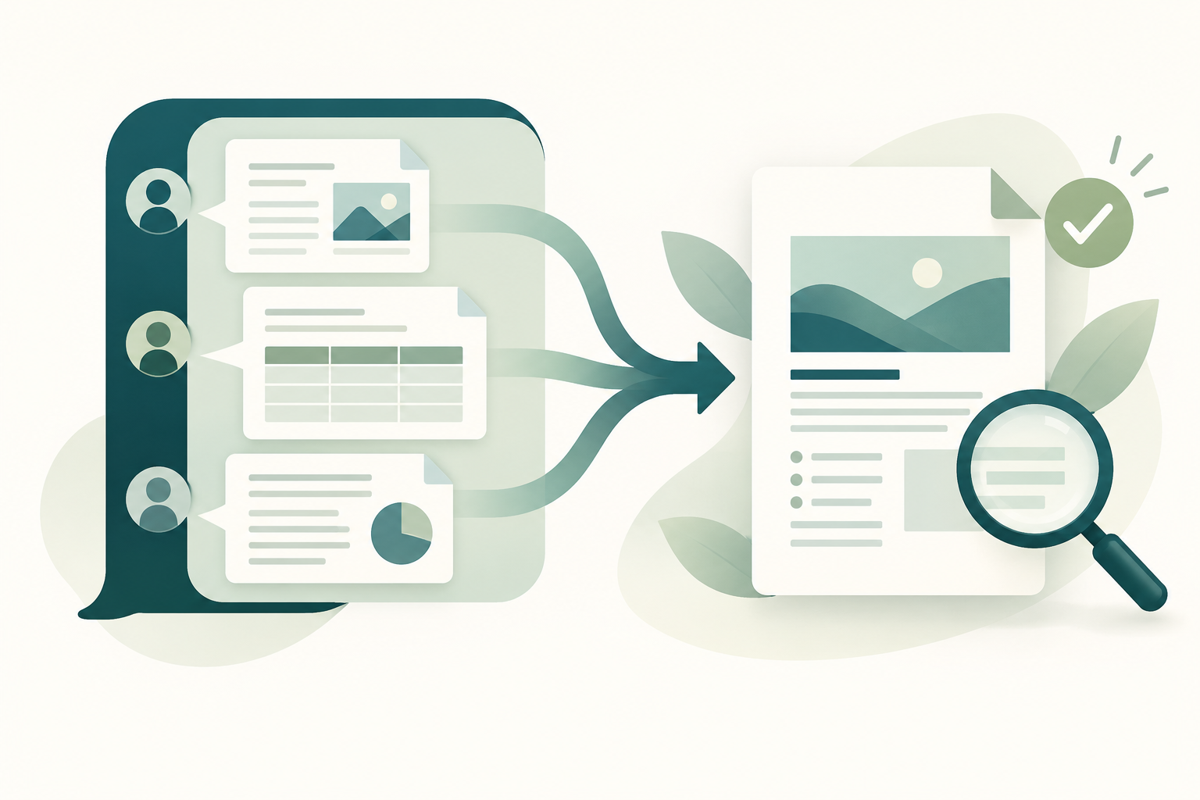
A faster way to draft a report is useful only if the document you send is still correct. Microsoft’s latest Copilot announcement makes that handoff worth thinking about: when editing happens inside a conversation, teams need a clear point at which a working draft becomes a reviewed, shareable file.
What Microsoft announced
In its 25 September 2026 announcement, Microsoft described creating and editing Word, Excel and PowerPoint files directly inside Copilot, with content synchronized with the Office applications. It also introduced Home, Code and Autopilot as parts of the new experience.
Availability needs careful reading. Microsoft said Home and Code would roll out gradually to its Frontier program over the following weeks; Autopilot would expand to a private preview at the end of the month. This is not evidence that every account already has every capability, or that the features are free. Check your organization’s access before planning a workflow around them.
The useful change—and the review gap
For a student assembling a project or an administrator preparing a meeting pack, the potential benefit is fewer interruptions between asking for a revision and working on the actual file. That is a practical inference from the announcement, not a performance result we have measured.
The final review should remain a separate decision. An editable draft, a spreadsheet calculation and a PDF sent to a client serve different purposes. A polished page can still contain the wrong date, an outdated figure or an appendix that belongs to another recipient.
A five-step handoff for everyday paperwork
1. Keep the editable source. Retain the Word document, spreadsheet or presentation alongside the final PDF. Give the draft a clear version name so a later correction does not start from an ambiguous attachment. 2. Check meaning before appearance. Verify names, totals, dates and references against the original records. For spreadsheets, review the formulas that produce the numbers being shared. Treat AI-generated wording as a draft requiring your judgment. 3. Export from the source application. Use its PDF export options, then open the saved result. Inspect page breaks, tables, links and any content near the margins. Do not assume that a good editing preview proves the exported file is right. 4. Review the complete pack. When joining a cover letter, report and supporting pages, check their order and orientation together. Look for duplicates and unintended pages before sending. Keep a copy of the originals until the result is confirmed. 5. Name and reopen the final file. Use a meaningful filename, verify that it opens, and review the exact attachment you intend to share. If accessibility matters, include that in your source-document and export review; a visual check alone cannot establish accessibility.
Where FileStation fits
FileStation can help with the PDF preparation stage after you have reviewed the source content. Use Organize PDF to work on page order, then follow the Clear Document Check guide for a deliberate final inspection. FileStation is not the Copilot integration announced by Microsoft, and this article does not promise automatic verification of your document.
The useful habit is simple: make drafting quicker, then give the finished file one intentional review before it leaves your workspace.