
A document may be authoritative about its own terms while already being out of date about the world around it. Adobe's newest Acrobat update puts those two source layers in one conversation: the PDF you opened and current information from the web. That is convenient, but it makes source checking more important—not less.
What Adobe released
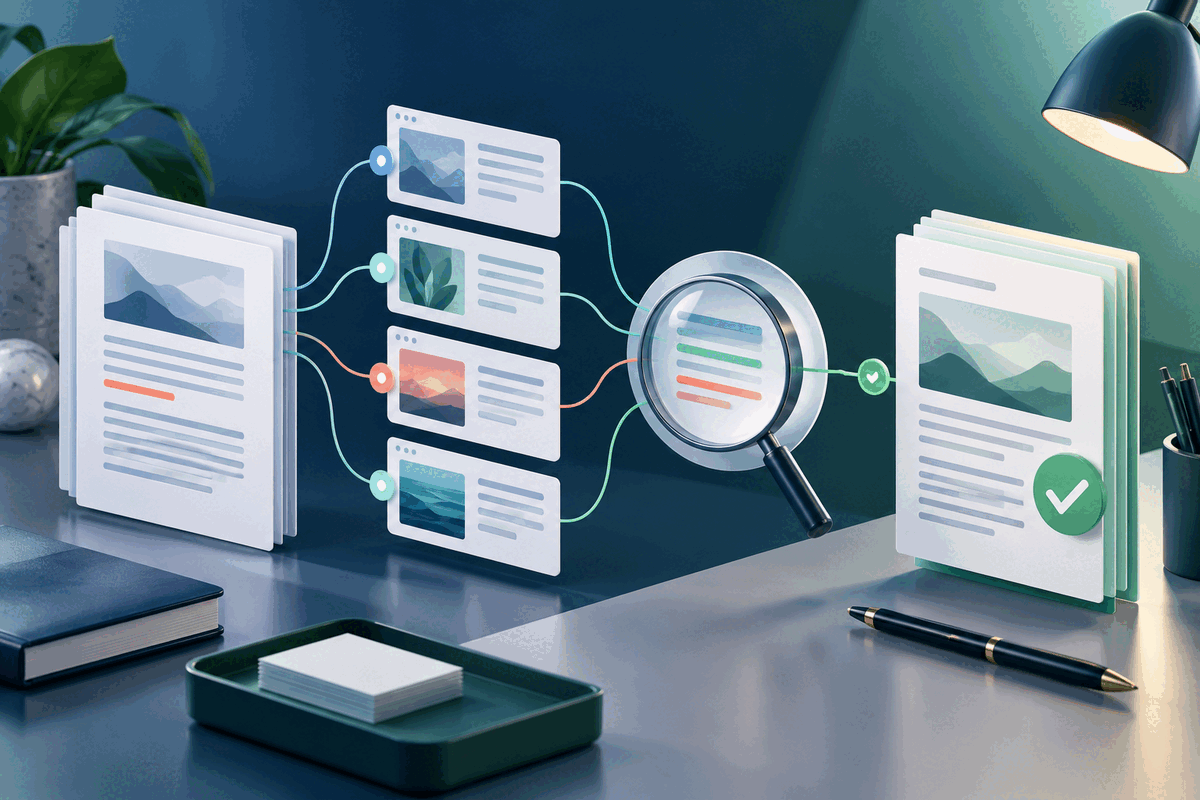
On 7 October 2026, Adobe announced optional web search for AI Assistant in Acrobat. Adobe says the assistant starts with the user's documents, then can search the web when the user enables the feature. Document citations lead to supporting text in the file, while web citations lead to the source page. A visible toggle lets the user turn web search on or off and request document-only answers.
Adobe says documents remain within Acrobat rather than being sent to the search provider, and that it does not train its AI models on customer content. Those statements describe Adobe's service design; they do not replace an organization's own approval, retention, confidentiality or records-management rules.
A six-step source-checking workflow
1. Classify the question first. Ask whether the answer should come from the document, from current web information or from both. Contract clauses and repayment dates belong to the file; exchange rates and recent regulations may require a dated external source. 2. Read the document answer on its own. Keep web search off for the first pass when the question concerns the PDF. Open the document citation and read the surrounding paragraph, table note or definition—not only the highlighted sentence. 3. Add the web layer deliberately. Turn on web search for the comparison question. State the date, location, market or other scope needed so a current figure is not mistaken for a universal fact. 4. Open every important web citation. Check the publisher, publication date, update date and whether the page actually supports the wording or number in the answer. Prefer primary sources for regulations, prices, policies and research results. 5. Record time-sensitive facts. If a report uses an exchange rate, benchmark or market figure, note the source and access date in the working document. A correct value today can become misleading later. 6. Update and review the deliverable. Make approved changes in the editable source, export a new PDF and inspect the exact file that will be shared. Keep the original and distinguish quoted source material from your own interpretation.
Limits that matter
Clickable citations improve traceability, but they do not prove an answer is correct. Adobe's citation guidance tells users to open the supporting content and decide whether it supports the response. Adobe's own content-usage disclosure also notes that a citation can sometimes point to an unrelated passage.
Access is not necessarily free or universal. Adobe's current usage policy says generative AI access depends on a plan that includes AI Assistant, such as AI Assistant for Acrobat or Acrobat Studio; supported applications, languages and regions can vary. For legal, financial, medical or regulatory decisions, use qualified human review rather than treating an AI comparison as advice.
FileStation is not connected to Acrobat AI Assistant and does not search the web inside a PDF. After an approved revision, use PDF Reader for an ordinary final read and the CLEAR document check before sharing. Reopen the exported file and verify the citations, dates and page layout that the recipient will actually see.
The practical benefit is not one answer box containing everything. It is a clearer way to compare a fixed document with changing information—provided each claim remains tied to the right source.
Primary source: Adobe, “Web search is now available in Acrobat” (7 October 2026).