
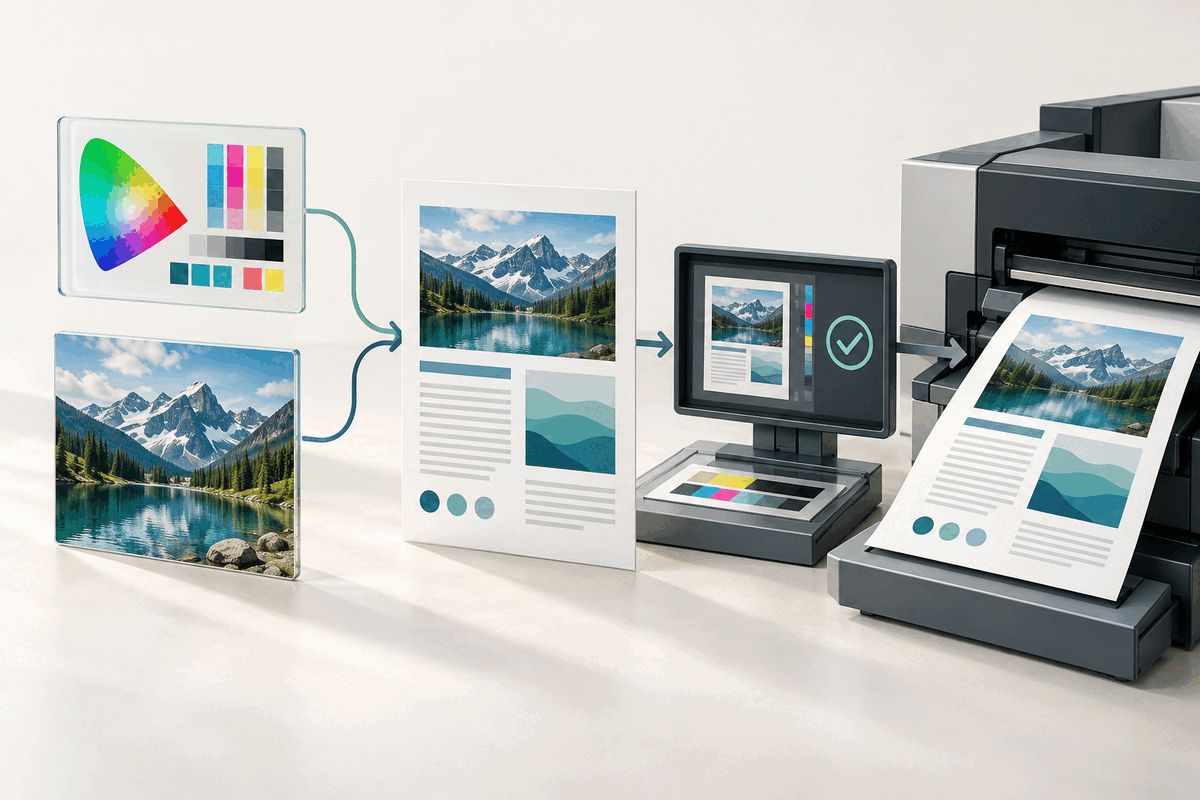
A PDF can look perfect on a phone or laptop and still be unsuitable for a commercial press. Print production depends on predictable fonts, images, colour information and output settings—not just a page that opens without an error. A recent Adobe PDF Library update is a useful reminder to confirm the required PDF standard before delivery.
What changed
In an October 2026 service bulletin, Datalogics announced that Adobe PDF Library 21.0.0PlusP1e can convert documents to PDF/X-4p and PDF/X-5pg. PDF/X is a family of standards for exchanging print-ready files.
PDF/X-4p allows a workflow to reference an ICC colour profile outside the PDF. That can help an organisation keep approved output profiles in one managed location. PDF/X-5pg goes further by allowing both externally referenced graphics and an external ICC output profile. Datalogics says this can suit production systems that manage high-resolution artwork and colour resources separately from the main PDF.
The release also adds a Modern C++ sample showing developers how to convert DOCX files to PDF through the library's Office-to-PDF plugin. This is implementation guidance for organisations building automated document systems; it is not a new conversion feature appearing in every copy of Word or Acrobat.
What a print handoff should include
1. Ask for the exact specification. A printer may request ordinary PDF, PDF/X-1a, PDF/X-4 or another profile. Do not choose PDF/X-4p or PDF/X-5pg simply because it is newer. Follow the printer's written requirement. 2. Keep the editable source. Preserve the original Word, layout or design file, linked artwork and fonts you are permitted to use. A press-ready PDF should be a controlled output, not the only surviving copy. 3. Package external dependencies. A file that references an external ICC profile or graphic depends on that resource remaining available and unchanged. Confirm how the receiving system expects those assets to be supplied. 4. Run a proper preflight. Use a tool that validates the requested PDF/X conformance and reports missing fonts, colour-profile problems, image resolution and other production issues. A successful visual preview is not a compliance result. 5. Freeze the approved output. Re-check page size, bleed, crop marks, transparency and colours. Avoid reorganising, compressing or editing the PDF after the printer has approved it; a change can invalidate the earlier check.
Important limits
PDF/X is designed for dependable print exchange. It does not guarantee that the design is correct, that every image is sharp enough for its final physical size, or that the document is accessible to screen-reader users. Those require separate review. Externally referenced resources can also make a workflow more dependent on controlled storage and versioning than a self-contained PDF.
FileStation does not create or validate PDF/X files. You can use PDF Reader for a visual page check and follow the CLEAR document check to catch ordinary handoff mistakes, but a commercial print job should still go through the printer's required preflight process. Keep the approved print file and its source resources together.
Primary sources: Datalogics Adobe PDF Library service bulletin, October 2026 and Adobe guidance on PDF/X, PDF/A and PDF/E.