
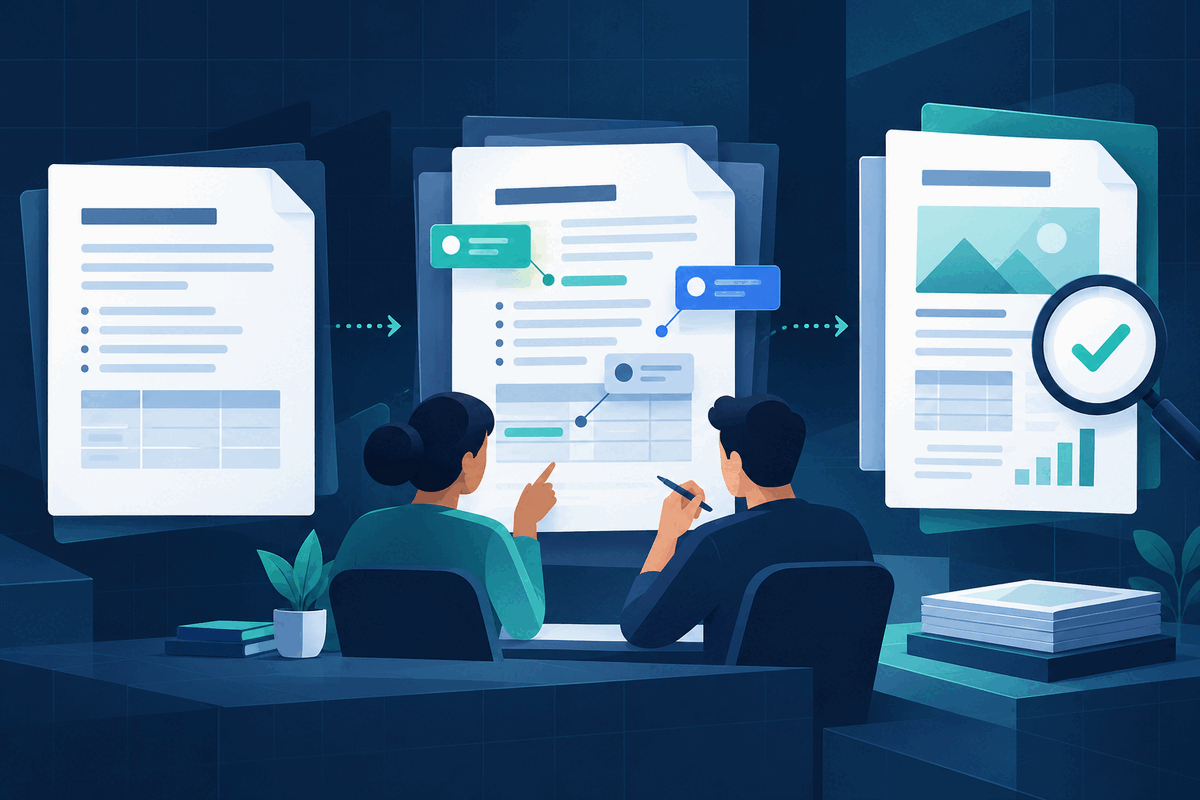
Markdown often sits between technical work and ordinary office work. Developers use it for documentation, students use it for notes, and AI tools commonly return structured text with headings, lists and tables. Google is now making that file type easier to review with colleagues who would rather work in Docs than raw syntax.
What Google released
On 5 October 2026, Google announced native support for viewing, editing and collaborating on `.md` and `.markdown` files in Google Docs. The file remains Markdown in Drive rather than being converted into a Google Docs file. Drive can also show a rendered preview with formatted headings, tables and clickable links.
Google says the feature is available to Workspace customers and personal Google accounts, with a gradual rollout of up to 15 days beginning on 5 October. There is no administrator or end-user switch. That means an eligible account may still receive the interface later than another account.
A safer Markdown-to-PDF workflow
1. Preserve the source file. Keep an untouched copy or a version-history point before collaborative editing begins. Markdown is portable precisely because it is plain text; do not lose that reference when moving into a richer editor. 2. Compare source and preview. Switch between the Markdown and rendered views in Drive. Check heading levels, nested lists, table columns, code blocks and links. A clean preview can still hide a structural mistake in the source. 3. Use comments for decisions. Collaborators can discuss wording without immediately treating every suggestion as approved. Assign one person to resolve factual, legal or policy-sensitive changes before the file becomes a deliverable. 4. Review unsupported formatting. Google's help page says smart chips can become text or links, HTML formatting can become plain text, and font colours, highlights and alignment are removed. Use version history if an edit produces an unwanted change. 5. Create the final PDF deliberately. When the Markdown content is approved, use the team's approved PDF export or print workflow. Reopen the actual PDF and inspect page breaks, table widths, links, code wrapping, headings and any content near the margins. Keep the `.md` source beside the final file so future corrections start from an editable version.
What the update does not guarantee
Native editing removes one conversion step; it does not guarantee identical rendering in every Markdown application. Markdown dialects can handle tables, task lists, footnotes and embedded HTML differently. Comments and sharing also depend on Drive permissions, so review who can access the file before adding confidential material.
A PDF creates a stable-looking handoff, but appearance alone does not prove accessibility or accuracy. For submissions, contracts, technical instructions or regulated documents, verify the content with the responsible person and retain the approved source version.
FileStation is not connected to Google Drive and does not edit Markdown files. After you create an approved PDF, use PDF Reader for a final page-by-page inspection and follow the CLEAR document check before sharing it. The useful combination is a portable editable source, visible collaboration and a separately reviewed final document.
Primary sources: Google Workspace Updates, 5 October 2026 and Google Docs Editors Help: View and edit Markdown files.